Advisers
Screenings in minutes, not months
Envo fetches the data, calibrates the building model against consumption and finds the cheapest combination of measures, so you spend your time on the advice.
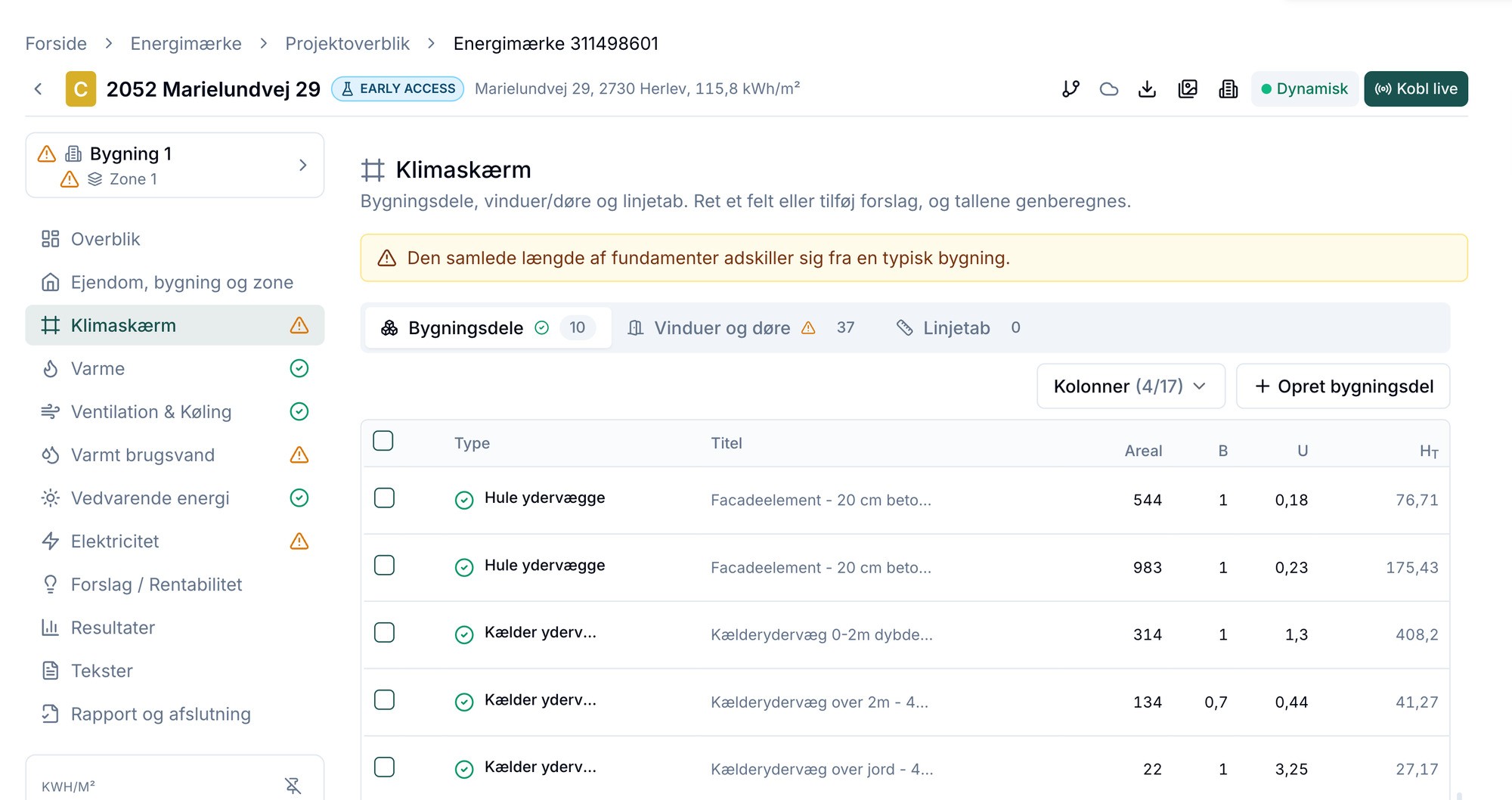
Screening a property takes about 10 minutes instead of 1–3 months. BBR, energy labels and climate data are fetched automatically, and actual consumption from Eloverblik and utilities is connected. The building model follows principles from ISO 52000 and is calibrated against measured consumption.
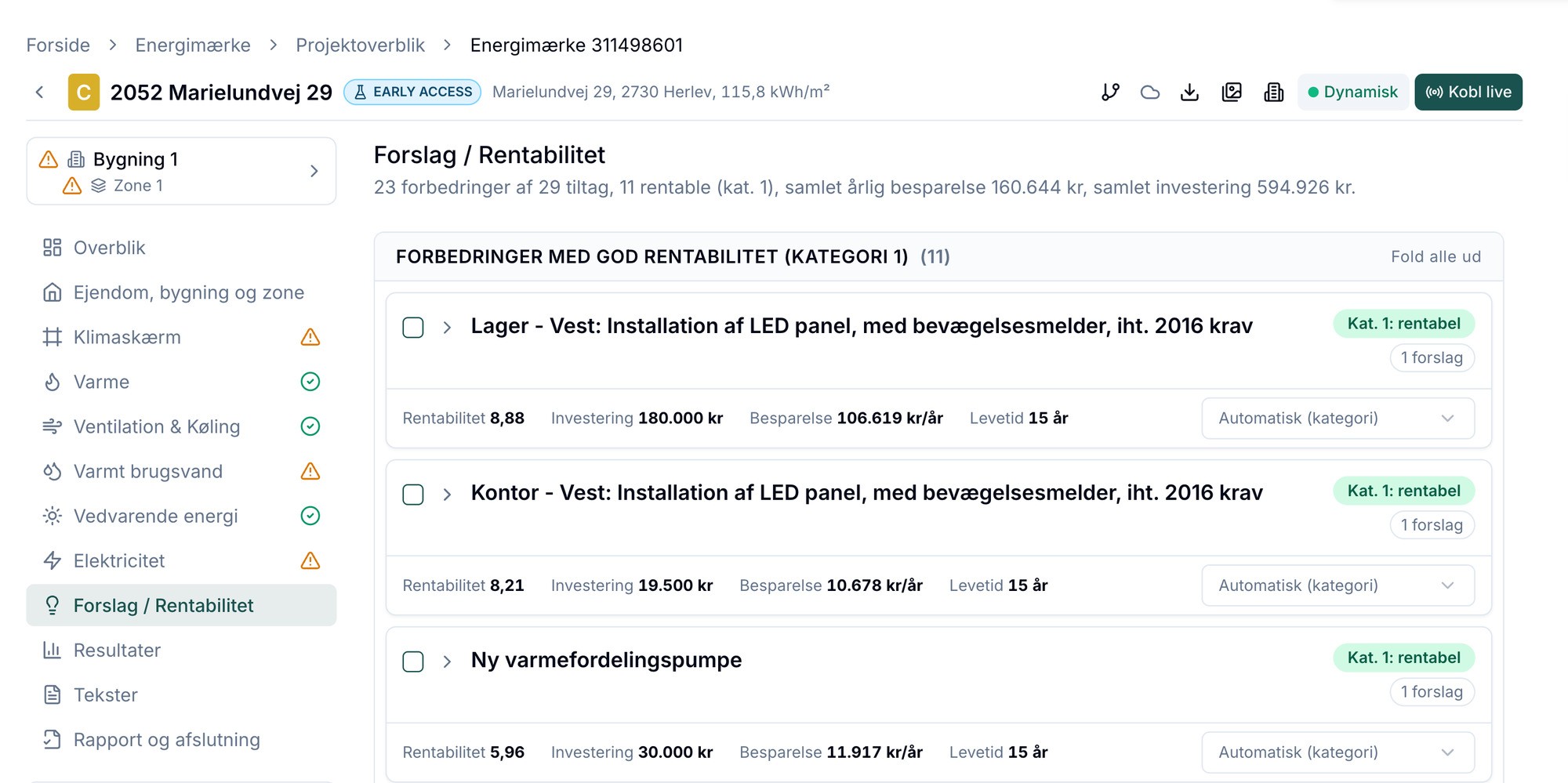
Instead of assessing a few combinations by hand, Envo goes through all of them and finds the cheapest one that meets the requirement. You use your own prices and renovation packages, can rule out measures and compare four scenarios per property.
- The customer's portfolio and energy labels mapped before the first meeting
- The same assumptions for every property, so the results can be compared
- Reports to PDF, Excel and DGNB
- The same input gives the same result, and every calculation can be traced
How it looks in Envo
Thousands of possible solutions. One is the cheapest that meets the requirement.
Each point is a possible renovation plan for the same building. A manual screening assesses a few, and often ends with an acceptable but not optimal solution.
- Possible solution
- Does not meet the requirement
- Technically impossible
- Traditional prioritisation
- Optimal solution
Illustrative example
Recommended package
For this, we recommend Pro
Everything in Core, plus full energy optimisation, the calculation core (Early access) and Customer Success.